 Gmgn
Gmgn
Gmgn wallet tracking: Login methods and alert compatibility
Gmgn wallet tracking follows trading activity from public wallet addresses through a saved follow list, with alerts available in the browser, app, and Telegram. New standard bot connections use Telegram login; older browser-wallet bindings can continue while attached. The account that holds your follows therefore matters when choosing an alert destination. Custom group notifications require a group ID, bot credentials, and permission to send messages. Reading activity and authorizing trades also have separate requirements. A wallet-tracking feed shows another address's actions, while trading controls use your selected execution wallet. Network coverage follows the selected notification bot, independently of the networks available for trading.
Your active account and follow list
Your active login identifies the account whose followed addresses you are viewing, so confirm that list before changing connections. Connect Phantom requires a Phantom account with at least one Solana wallet and creates a Gmgn custodial account with newly generated wallet addresses. The separate Trade with Wallet route connects the browser wallet for trading. Connect Phantom and Trade with Wallet keep separate Follow and Watchlist data, even when both use the same Phantom wallet.
A missing list after switching login methods does not establish that anyone deleted the addresses. The new session may represent another account.
How does the follow list reach the activity feed?
The Follow control adds an address to your tracked list, and Wallet Tracker displays activity from those addresses. The browser tracker has a web-notification setting and a connection option for the 0-Delay Bot. In the app, the Track area contains the followed-wallet list and buy/sell activity. Turning on app notifications enables push alerts for tracked trades.
Monitor Square groups inflow information from followed wallets over a selected time range. It provides a token-centered view of that activity alongside market capitalization and volume. Wallet detail pages provide the address-centered view, including holdings and profit and loss. A wallet's transaction can appear in an activity view independently of Telegram delivery.
Telegram bot compatibility
New standard Telegram Alert Bot bindings require Telegram login. Existing browser-wallet bindings can continue sending alerts until unbound. The bot does not support restoring a detached binding or changing its bound wallet.
Separate standard alert bots cover Solana and Ethereum. The separately configured Zero-Latency Wallet Tracking Bot has notification entry points for Solana and BNB Smart Chain. Its group setup uses a destination group and custom bot credentials. A supported trading network does not establish that every notification bot covers that network.
The separate Smart Money Tracking group bot sends Solana buy alerts for purchases above 1 SOL.
The bot needs group administrator rights, and group administrators add tracked wallets through /set. That buy-specific threshold does not describe the standard personal alerts or the custom group-notification form.
Why can a followed trade have no Telegram alert?
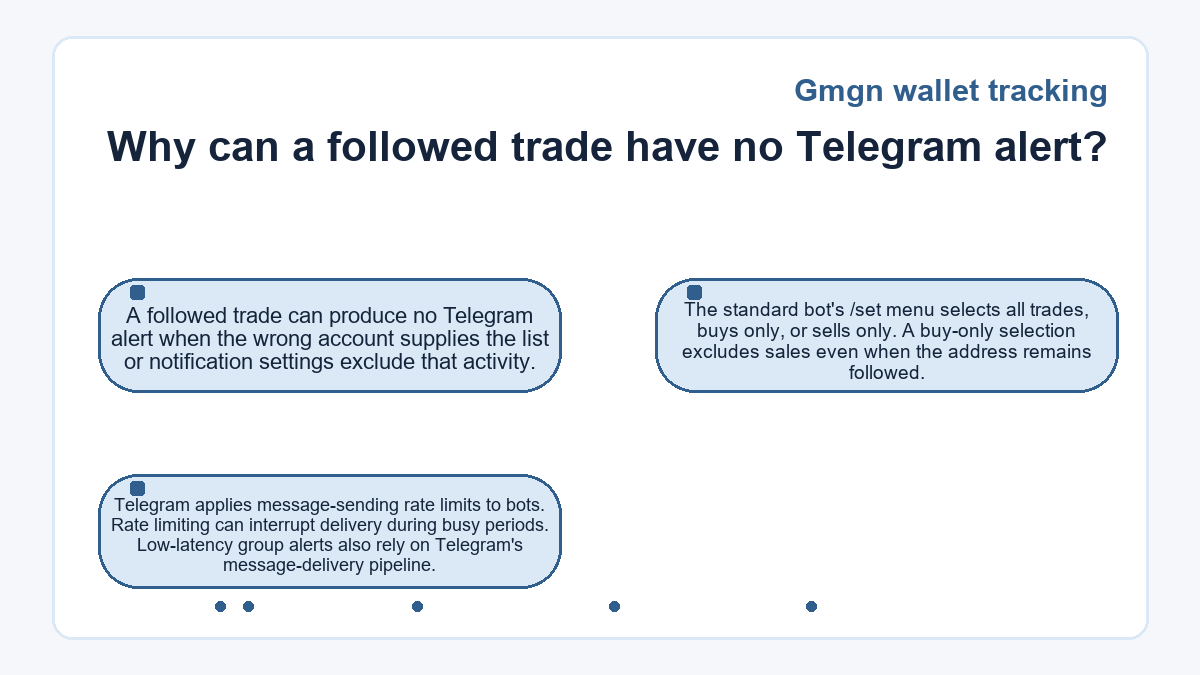
A followed trade can produce no Telegram alert when the wrong account supplies the list or notification settings exclude that activity. The standard bot's /set menu selects all trades, buys only, or sells only. A buy-only selection excludes sales even when the address remains followed.
Telegram applies message-sending rate limits to bots.
Rate limiting can interrupt delivery during busy periods. Low-latency group alerts also rely on Telegram's message-delivery pipeline.
A follow-list transfer without a trade
In this hypothetical case, a reader wants Telegram alerts for saved public addresses, and notifications are enabled. For saved addresses on Solana or Ethereum, the reader opens the corresponding standard alert bot using the Telegram account that already holds the follow list.
If the list instead belongs to an unbound browser-wallet account, a new standard bot binding is unavailable. The reader exports the addresses, switches to Telegram login, and imports the list. The intended addresses then appear under the Telegram account. In this example, the reader opens the corresponding standard alert bot and receives a matching alert for a later eligible trade. The alert confirms delivery for that address.
The import copies tracking entries into the other account and leaves the tracked wallets' assets untouched. A separate Quick Buy would introduce a trade amount, an applicable platform fee, and network charges. Priority fees and tips can add transaction costs. Importing the list does not fund an execution wallet or authorize copied trades.
Group destinations and bot credentials
Custom group delivery
Custom group delivery requires the group ID, a bot that belongs to the group, and permission to post messages. The configuration stores the destination separately from the wallet list.
Sending permissions
The custom bot needs group administrator rights. Test Push checks whether it can send to the configured group. A failed test calls for checking the group ID, token, and sending permissions. A successful test does not establish that tracked trading activity occurred. After a successful test, select the transaction type and notification language, then save the configuration to enable alerts for followed-wallet trades.
Bot authentication
A Telegram bot token authenticates a bot to the Bot API. The custom group form needs that token to send messages through your bot. It is a credential, so keep it out of shared wallet-list exports and group conversations. Group members can read alerts that arrive in the shared chat, including any address labels that those messages display.
Where does wallet tracking end and trading begin?
Wallet tracking ends at displaying activity and delivering notifications; an order requires a separate trading action or configured automation. The wallet detail screen provides distinct Follow and Wallet Copy controls. Copy trading and limit orders have their own execution settings. A delivered alert therefore does not establish that a buy, copied trade, or limit order completed. The address being observed also does not become the wallet that pays for your order.
Connect Telegram, Connect Phantom, and app scan-code login support Gmgn automation; Trade with Wallet does not support those functions.
Gmgn wallet tracking - your questions answered
Will custom wallet names survive a bulk follow-list transfer?
Custom note names form part of the exported follow list and can accompany addresses during import. The structured list also contains an emoji field for custom symbols. Those fields describe saved tracking entries, and a note name does not verify the address owner's identity.
Why does the Follow panel show no data after sign-in?
An empty Follow panel can reflect the active account or a browser-session problem. Sign back into the account that holds the addresses before treating the list as lost. Troubleshooting options include logging out, reconnecting, and clearing Gmgn's browser cookies if the problem persists. Clearing cookies does not merge separate accounts.
How can I stop Telegram messages from one followed address?
The Follow list has a notification switch for individual entries. Turning it off pauses notifications for the selected address. The address's onchain activity continues independently of your notification preference.
Can the custom group notification form accept several bots?
The custom group notification form accepts up to 10 bot tokens. Each slot holds a bot credential, and each configured bot needs access to the intended group. This count applies to delivery bots rather than followed addresses.
What happens to tracking notifications after app-account deletion?
App-account deletion stops the account's notification services and disables its functions. It also permanently clears associated data, and the account cannot be recovered afterward. Any assets held in that account need withdrawal before deletion.
Does a changed Telegram group ID affect custom alerts?
A changed group ID requires updating the destination in the custom notification form. The group's name can remain familiar even when its identifier changes. Alert routing follows the configured ID.
Are starred tokens the same as tracked wallet addresses?
Starred tokens belong to the token Watchlist, while followed addresses supply wallet-tracking activity. Grouping or renaming a favorite token organizes the token list; it does not substitute for following the address that traded it. Token notes and wallet labels identify different saved objects.
Why are wallet activity alerts visible without browser sound?
Browser audio permissions and Gmgn's sound toggles control audible alerts separately from visible activity. A muted browser page or disabled notification-sound switch can leave the tracking feed visible. Check the page's sound setting, the platform's notification settings, and the browser permission that allows the site to play audio.